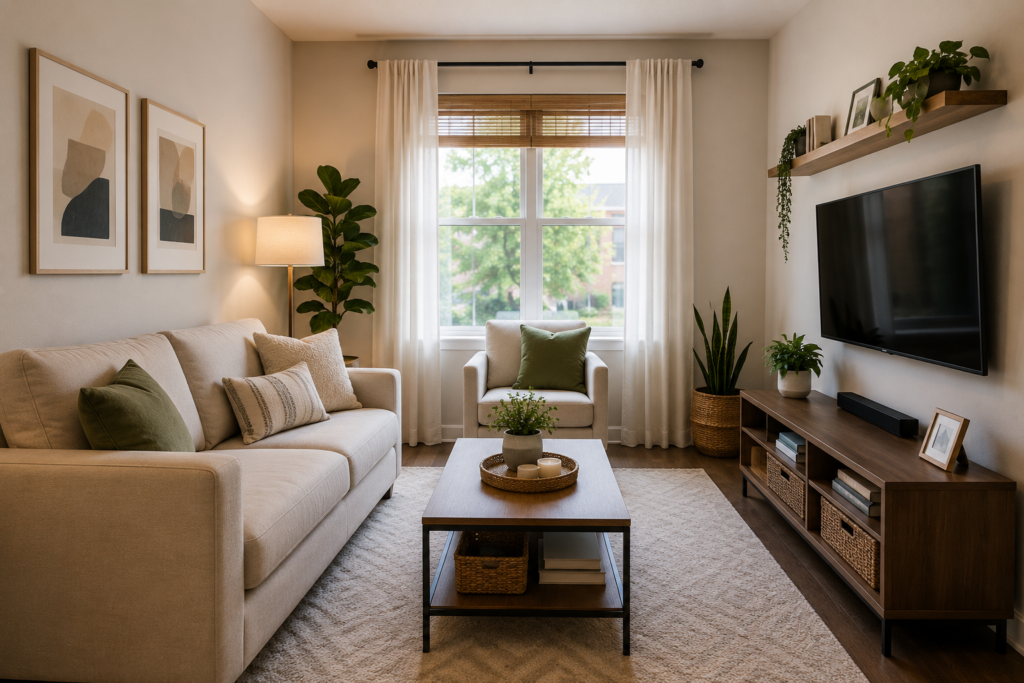
A TV stand often becomes the busiest surface in a living room. Remotes, game controllers, cables, mail, décor and media accessories can quickly compete for space. A clear system keeps entertainment essentials easy to reach while helping the whole room feel calmer. These TV stand organization ideas work for compact consoles, open shelving and larger media units.
- Declutter Before Organizing
- Create a Zone for Each Activity
- Use Matching Baskets on Open Shelves
- Give Remotes a Permanent Home
- Hide and Label Cables
- Store Game Controllers Vertically
- Divide Media Drawers
- Use Cabinet Doors Wisely
- Limit Decorative Objects
- Build a Small Charging Station
- Move Backstock Elsewhere
- Schedule a Weekly Reset
1. Tv Stand Organization Ideas: Declutter Before Organizing
Remove everything from the stand and sort it into keep, relocate, donate and discard groups. Old manuals, empty cases, duplicate cables and accessories for devices you no longer own should not occupy prime space. Wipe the shelves and measure each compartment before buying organizers. Starting with an empty unit makes it easier to see how much storage you actually have.
2. Create a Zone for Each Activity
Assign one area to streaming equipment, another to gaming and another to everyday controls. Keeping related items together prevents family members from searching through every drawer. Place frequently used equipment between waist and eye level, while occasional items can sit on lower shelves. Clear zones also make returning objects much easier.
3. Use Matching Baskets on Open Shelves
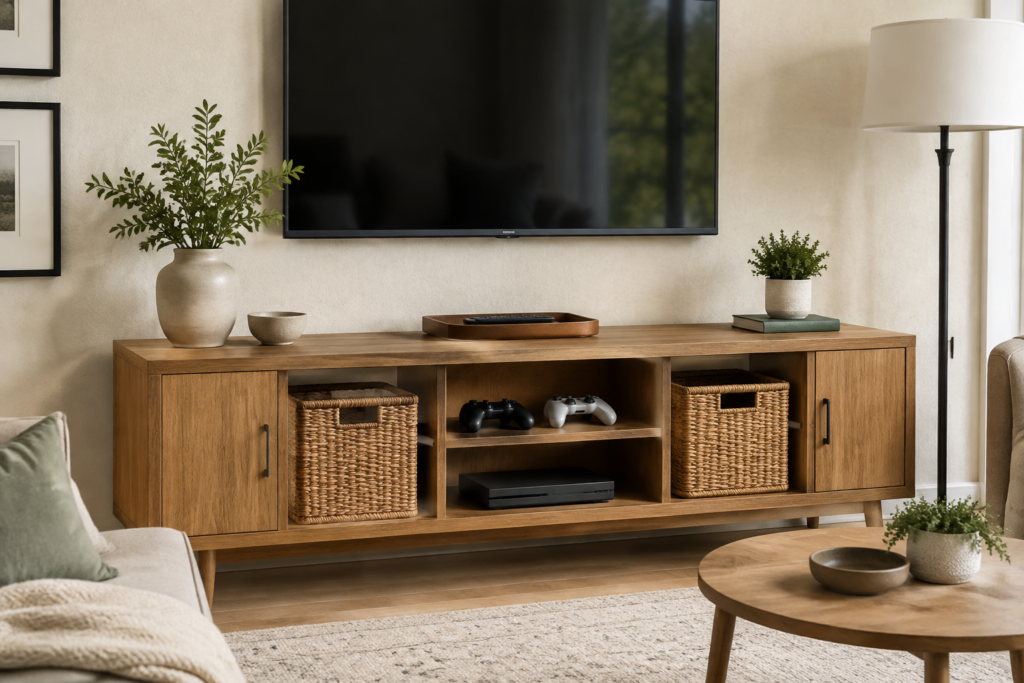
Open media shelves can look untidy even when their contents are useful. Add two or three matching baskets sized to the cubbies for headphones, small toys, extra controllers or exercise accessories. Choose woven baskets for warmth or fabric bins for a softer finish. Small labels inside the handles help everyone maintain the system without making the display feel overly busy.
4. Give Remotes a Permanent Home
Use a shallow tray, slim box or divided remote holder on one side of the stand. Keep only current remotes there and remove dead batteries promptly. If several controls look alike, add discreet labels to the back. A permanent landing spot reduces sofa-cushion searches and keeps the main surface clear when the television is off.
5. Hide and Label Cables
Route cords together with reusable hook-and-loop ties and attach a label near each plug. A cable box can conceal a power strip, while adhesive clips guide charging leads behind the console. Leave ventilation around plugs and devices, and never overload an outlet. For a more detailed setup, see our living room cable management ideas.
6. Store Game Controllers Vertically
Controllers take up less shelf space when stored on a compact stand or in a narrow upright divided bin. Keep charging cables beside them instead of mixing them with the main cord bundle. Place the station near the console but away from hot ventilation areas. A small lidded container can hold memory cards, adapters and spare controller batteries.
7. Divide Media Drawers
Use adjustable dividers to separate cables, batteries, headphones and cleaning cloths. Shallow trays prevent small adapters from sliding to the back. Avoid stacking unrelated objects in deep layers; if a drawer is tall, use removable lidded boxes that can be lifted out individually. Label each section so the layout remains useful after the first week.
8. Use Cabinet Doors Wisely
The inside of a solid cabinet door can hold a lightweight adhesive pocket for manuals or a small remote. Confirm that the pocket will not strike shelves or electronics when the door closes. Do not cover ventilation openings, and avoid placing heavy objects on hinges. This hidden area is best for flat, lightweight items rather than bulky accessories.
9. Limit Decorative Objects
Leave breathing room around the television by choosing one to three intentional decorative pieces. A small plant, framed photograph or low bowl is usually enough. Keep objects away from screens, sensors and device vents. Repeating materials already used in the room—such as wood, ceramic or woven fibre—helps the TV area feel connected to the rest of the décor.
10. Build a Small Charging Station
Dedicate one drawer or ventilated shelf to charging headphones, controllers and personal devices. Use a certified multiport charger, short labelled cables and a heat-resistant tray. Unplug damaged cables and avoid covering charging devices with fabric. Keeping charging in one controlled location reduces loose cords across the floor and prevents accessories from disappearing into other rooms.
11. Move Backstock Elsewhere
Bulk batteries, unopened cables, spare décor and rarely used media do not need to live in the TV stand. Store them in a labelled household supply area and keep only a small working quantity near the television. This protects the console from becoming general-purpose storage. If toys are the main source of clutter, use these living room toy storage ideas to create a separate system.
12. Schedule a Weekly Reset
Spend five minutes each week returning remotes, removing cups and papers, untangling cords and dusting open surfaces. Check that device vents remain clear and nothing unstable has been placed near the television. The U.S. Consumer Product Safety Commission provides additional guidance on preventing furniture and television tip-over hazards.
Final Thoughts
The best TV stand organization system is simple enough for everyone to maintain. Start by reducing excess items, then create clear zones for controls, gaming, charging and media accessories. A few well-sized baskets, drawer dividers and secure cable-management tools can make the entertainment area feel cleaner without reducing its everyday usefulness.